
What Is a 3D Print? A Boon for Hardware Processing and Plastic Mold Industries
Author: SZTC
2026-03-16


Samuel Song Your service representative
Specializing in zinc-aluminum-magnesium alloy die-casting processing, CNC milling, CNC turning, 3D printing, injection molding and sheet metal processing. Manufacturing services.
-----------------------------------------------------------------------------------------------------------------------------------------------------------------------------------------------------------------------------------------------------------------------------------------------------------------------------------------------
In the competitive landscape of manufacturing, the ability to turn design ideas into physical samples quickly is a key advantage—especially for the hardware processing and plastic mold industries. Every day, professionals in these fields ask: What is a 3D print, and how can it help us speed up sample prototyping? This blog will clearly define what a 3D print is, break down its core characteristics, explain how it works in practice, and highlight its game-changing role in delivering fast samples for hardware and plastic mold production.
1. What Is a 3D Print? Core Definition & Essential Meaning
1.1 The Basic Definition of a 3D Print
A 3D print is a physical, three-dimensional object created through the process of 3D printing (also called additive manufacturing, AM)—a technology that builds objects layer by layer from a digital 3D model, rather than removing material from a solid block (the traditional subtractive manufacturing method, such as machining or carving). Unlike mass-produced parts made from molds or dies, a 3D print is typically crafted directly from a digital blueprint, making it ideal for custom parts, prototypes, and small-batch production.
To put it simply: A 3D print is the end result of the 3D printing process—tangible, precise, and tailored to the digital design. For hardware processing and plastic mold industries, this means a 3D print can be a metal hardware prototype (e.g., a custom bolt or bracket) or a plastic mold sample (e.g., a mold cavity or insert)—all produced in a fraction of the time it takes with traditional methods.
1.2 Key Traits That Define a 3D Print
To fully understand what a 3D print is, it’s important to distinguish it from traditionally made parts, especially in the context of hardware and plastic mold applications. Here are the core traits that make a 3D print unique:
-
Layered Construction: Every 3D print is built one thin layer at a time (often 0.1mm to 0.5mm thick), which allows for complex shapes and intricate details that are impossible to achieve with traditional machining—critical for plastic mold cavities or custom hardware components.
-
Digital-to-Physical Direct Conversion: A 3D print starts as a digital CAD model; there’s no need for intermediate tools (like molds or dies) to create the physical object. This cuts down lead time drastically, making fast sample prototyping a reality.
-
Low Waste & Cost-Efficiency: 3D printing only uses the exact amount of material needed to build the print, reducing waste—especially valuable for hardware’s metal materials and plastic mold’s resin/plastic. This makes 3D prints a cost-effective choice for small-batch samples.
-
Customizability: A 3D print can be easily modified by adjusting the digital model, without retooling. For hardware and plastic mold industries, this means testing multiple design iterations (e.g., adjusting a mold’s draft angle or a hardware part’s size) quickly and affordably.
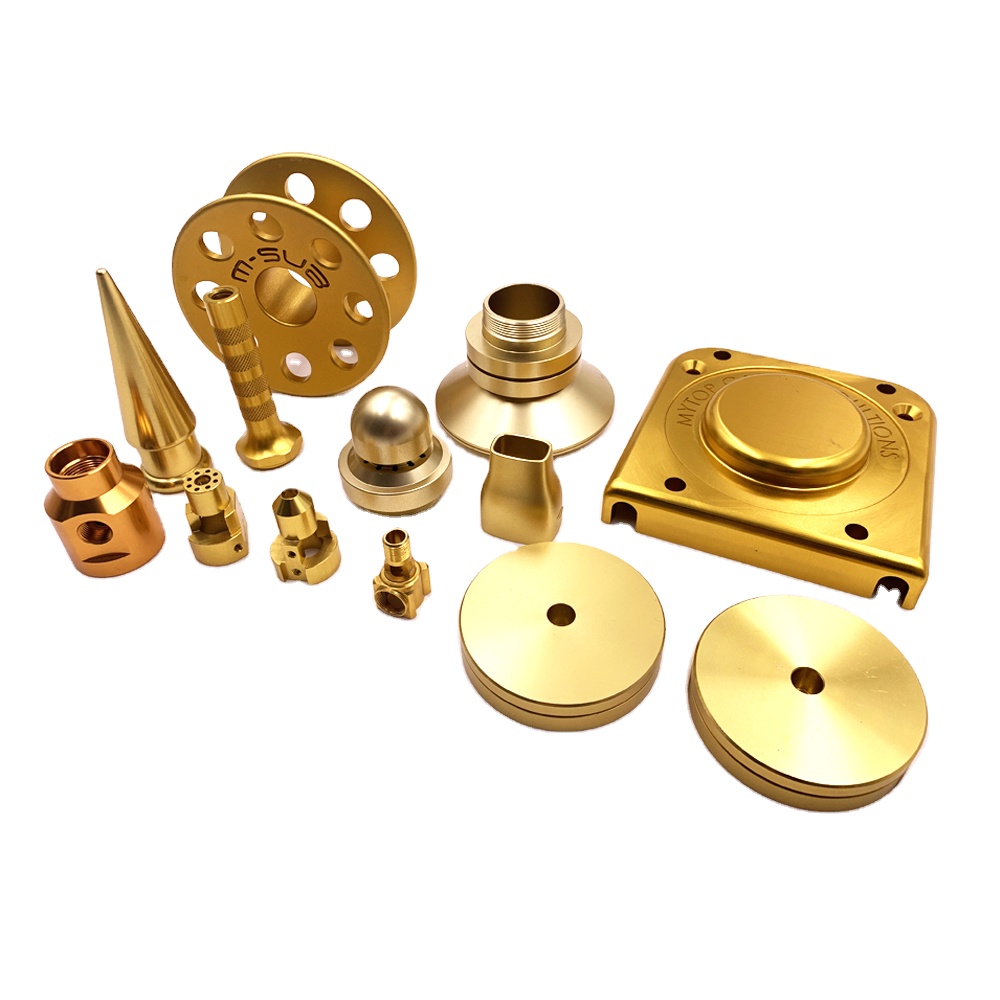
2. How a 3D Print Is Made: The Process Behind Fast Samples
Understanding what a 3D print is also requires knowing how it’s created—especially since the process is what enables fast sample output for hardware and plastic mold industries. The workflow is straightforward, efficient, and designed to turn digital designs into physical prints in hours, not weeks. Below is a step-by-step breakdown:
2.1 Step 1: Create a Digital Model (The Blueprint for the 3D Print)
The first step to making a 3D print is designing a digital 3D model using CAD (Computer-Aided Design) software. For hardware processing, this could be a model of a metal bracket, gear, or fastener; for plastic mold industries, it might be a model of a mold insert, cavity, or entire small mold. If an existing part needs to be replicated, 3D scanning technology can create a digital model from the physical part.
This step is critical for fast sampling: designers can tweak the digital model in minutes (e.g., resizing a mold cavity or adjusting a hardware part’s shape) and send it directly to the 3D printer—no need to create new physical tools, saving days of work.
2.2 Step 2: Prepare the Model for Printing (Slicing)
Once the digital model is ready, it’s imported into slicing software, which splits the 3D model into thousands of thin horizontal layers. The software also sets key parameters for the 3D print: the type of material (metal powder for hardware prints, resin/plastic filament for mold prints), layer height, printing speed, and support structures (to hold complex shapes during printing).
For fast sample production, this step is optimized: slicing software can prioritize speed for initial samples (e.g., faster printing for a plastic mold insert) while maintaining enough precision for design testing. For hardware prints, parameters are adjusted to ensure the metal print has the required strength.
2.3 Step 3: Print the Object (Layer-by-Layer Construction)
The 3D printer then brings the digital model to life by building the 3D print layer by layer. The type of printer depends on the material:
For plastic mold 3D prints (e.g., mold inserts), FDM (Fused Deposition Modeling) or SLA (Stereolithography) printers are used—FDM melts plastic filament and extrudes it, while SLA uses UV light to cure liquid resin into a solid print. For hardware 3D prints (e.g., metal components), SLM (Selective Laser Melting) printers use high-powered lasers to melt metal powder into a solid, durable print.
The speed here is transformative: a small plastic mold 3D print can be ready in 4–8 hours, while a simple metal hardware 3D print takes 2–6 hours—compared to 1–2 weeks for a traditional mold sample or days for a machined hardware prototype.
2.4 Step 4: Post-Process the 3D Print (Refine for Use)
After printing, the 3D print undergoes minimal post-processing to be ready for testing. This includes removing support structures, sanding to smooth surfaces, and (for metal hardware prints) heat treatment to enhance strength. For plastic mold 3D prints, post-processing is often simple—just removing supports and light sanding—allowing the print to be used for mold testing the same day.
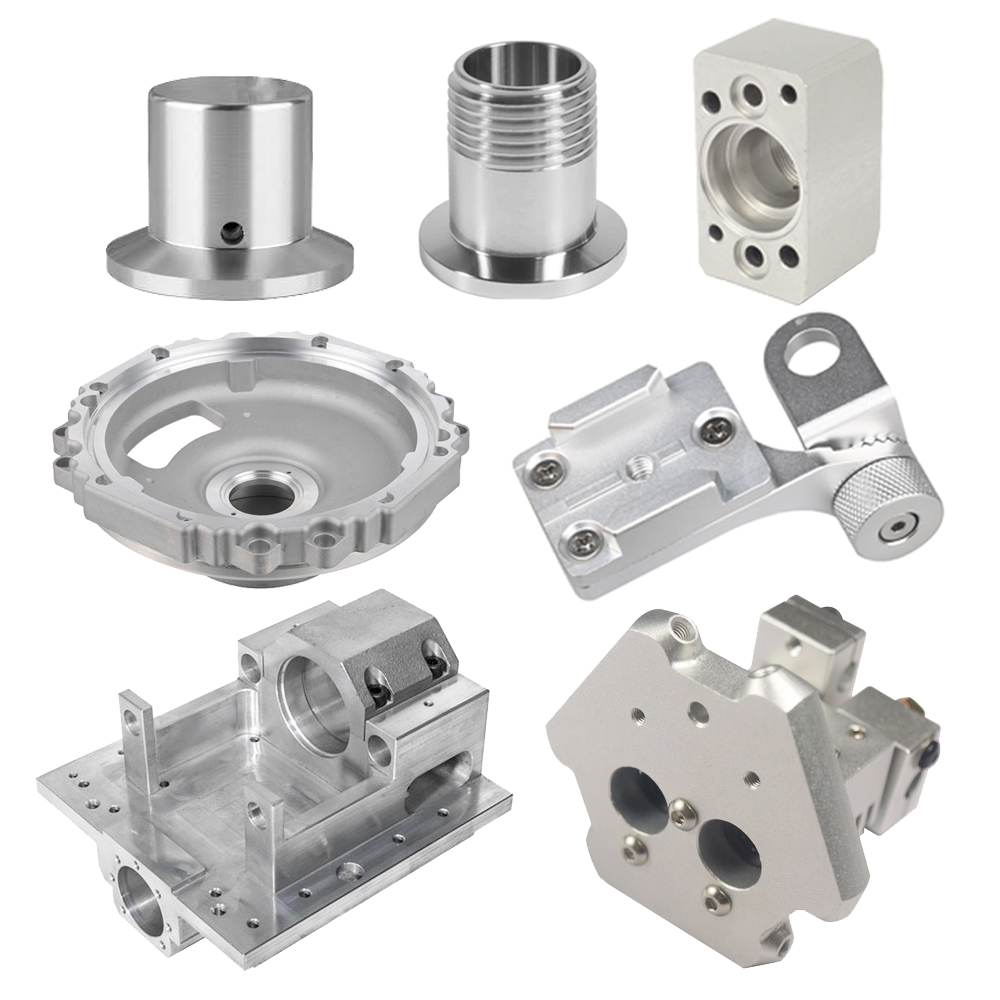
3. 3D Prints in Hardware Processing & Plastic Mold Industries: Fast Samples, Big Value
Now that we’ve answered “what is a 3D print,” let’s explore how these prints specifically benefit the hardware processing and plastic mold industries—focusing on their biggest advantage: fast, reliable sample prototyping. Both industries rely on testing designs early to avoid costly mistakes, and 3D prints make this process faster and more efficient than ever before.
3.1 3D Prints for Hardware Processing: Fast Metal Prototypes
Hardware processing focuses on creating durable, precise metal parts—from industrial brackets to custom fasteners. Traditional prototyping requires machining metal blocks, which is slow and inflexible: if a design is flawed, the entire machining process must be repeated, taking days or weeks.
3D prints solve this by delivering metal hardware prototypes in hours. For example, a custom metal bracket for industrial equipment can be designed in CAD, 3D printed via SLM technology in 6 hours, and post-processed in 1–2 hours—ready for fit and function testing the same day. This speed allows hardware manufacturers to iterate quickly: test a 3D print, identify a flaw (e.g., a misaligned hole), adjust the digital model, and print a new sample the next day.
Additionally, 3D prints enable complex hardware designs (e.g., hollow metal parts that reduce weight without sacrificing strength) that are impossible with traditional machining—giving hardware companies a competitive edge.
3.2 3D Prints for Plastic Mold Industries: Rapid Mold Prototypes
Plastic mold manufacturing is critical for producing plastic products, but traditional mold-making is slow and expensive: a single mold can take 2–4 weeks to create, and any flaw requires costly retooling. 3D prints change this by delivering mold prototypes in hours or days.
Plastic mold 3D prints (e.g., mold cavities, inserts) are made with materials that mimic production molds (e.g., high-temperature resin that withstands injection molding heat). For example, a mold insert for a plastic toy can be 3D printed in 4 hours, assembled into a test mold, and used to inject plastic samples the same day—allowing designers to test the mold’s fit and functionality without waiting weeks.
This rapid prototyping reduces risk: if a 3D print of a mold has a flaw (e.g., a draft angle that causes plastic parts to stick), the digital model is adjusted, and a new 3D print is ready in hours—avoiding costly retooling.
3.3 The Bottom Line: 3D Prints = Faster Innovation
For both industries, a 3D print is more than just a physical object—it’s a tool for fast innovation. By definition, a 3D print is a digital design brought to life quickly, with minimal waste and maximum flexibility. This makes it the perfect solution for hardware and plastic mold companies that need to test designs, iterate fast, and bring products to market sooner.
In short, understanding what a 3D print is means understanding a key driver of efficiency in modern manufacturing. For hardware processing and plastic mold industries, 3D prints eliminate the bottlenecks of traditional prototyping, turning ideas into testable samples in hours—not weeks—and empowering companies to stay competitive in a fast-paced market.

What Is Print 3D? A Fast Sampling Solution for Hardware & Plastic Mold Industries
What 3D Printing Is: A Game-Changer for Hardware Processing and Plastic Mold Industries
Related Article

Fast sampling is the fastest way to win business in the hardware machining and plastic mold industries. Customers want a working sample in days, and a 3D printer delivers it, but only when you know how to print in 3d correctly.
how to print in 3d

Fast sampling is the fastest way to win business in the hardware machining and plastic mold industries. Customers often send an STL file and expect a working sample in days.
how to print an stl file

