
How to Make 3D Printer Files for Mold and Hardware Rapid Sampling
Author: SZTC
2026-07-27


Samuel Song Your service representative
Specializing in zinc-aluminum-magnesium alloy die-casting processing, CNC milling, CNC turning, 3D printing, injection molding and sheet metal processing. Manufacturing services.
-----------------------------------------------------------------------------------------------------------------------------------------------------------------------------------------------------------------------------------------------------------------------------------------------------------------------------------------------
High-quality 3D printer files are the key to precise and successful rapid sampling in plastic mold and hardware processing industries. Many factory designers and operators want to know how to make 3D printer files that fit industrial printing standards. Well-made files avoid printing defects, reduce rework, and ensure mold prototypes and hardware fixtures meet testing and assembly requirements.
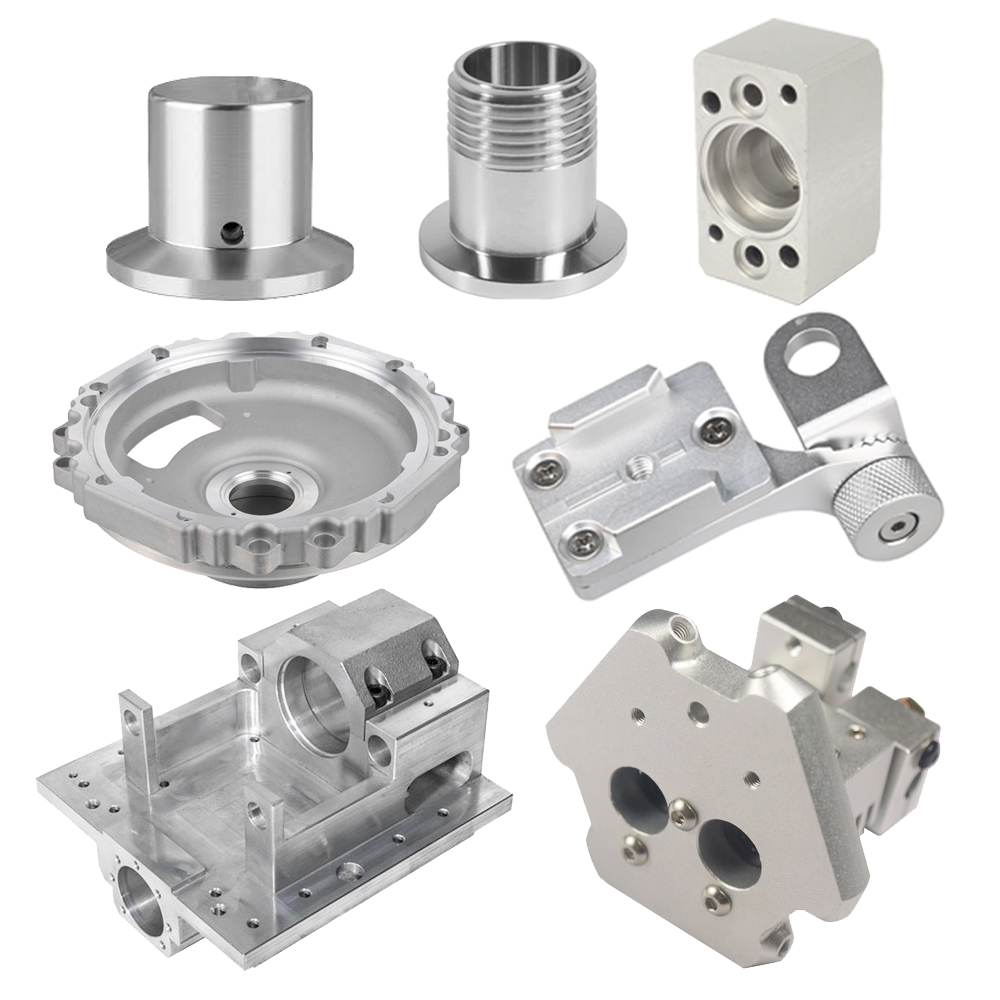
1. Create Printable Industrial 3D Models
The first step to learn how to make 3D printer files is building manufacturing-grade 3D models.
1.1 Design Industrial-Structure Geometry
Design mold cavities, custom jigs and hardware prototypes with printable wall thickness and reasonable structures. Avoid overly thin walls, floating geometry and closed hollow spaces, which cause printing failure and structural instability during rapid sampling production.
1.2 Fix Common Model Errors
Check and repair broken meshes, overlapping surfaces and abnormal gaps. Clean and optimized model geometry ensures smooth slicing and stable layer forming for both resin and FDM 3D printing processes.
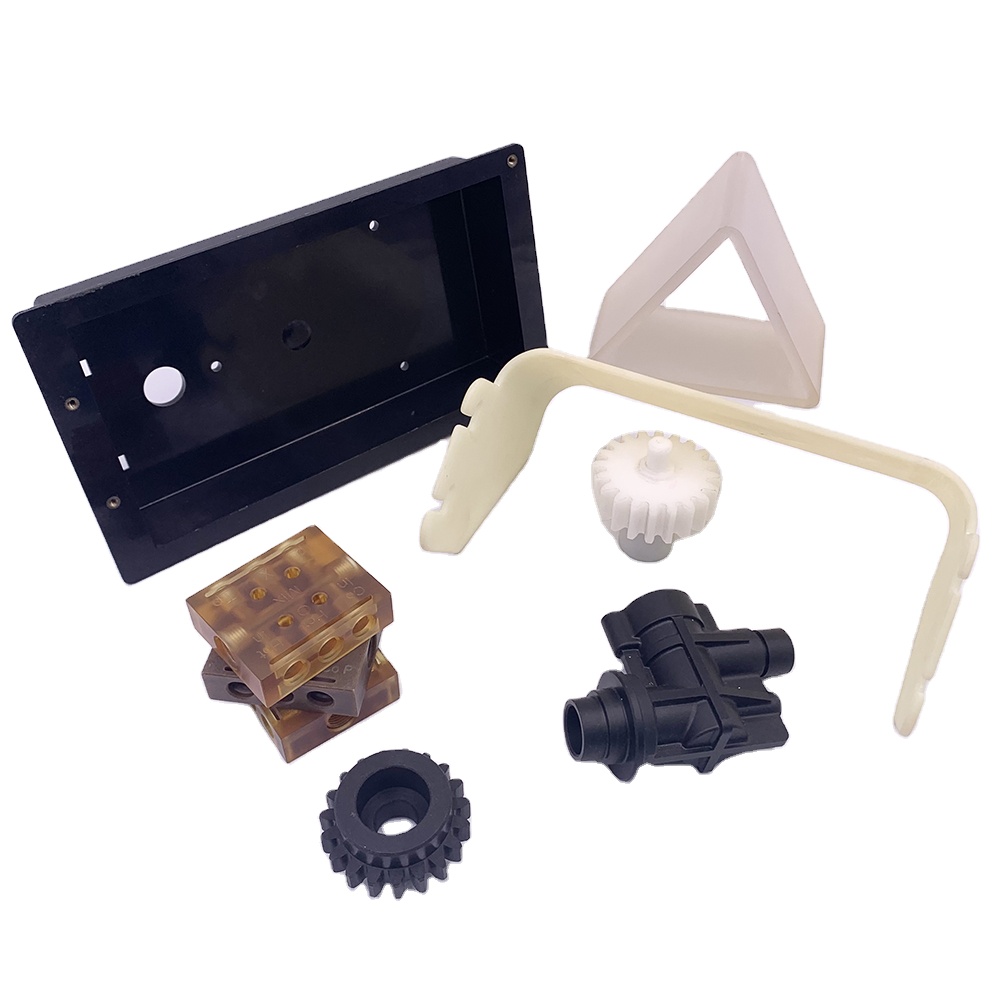
2. Convert and Optimize Standard Printer Files
File conversion and optimization are the core procedures of how to make 3D printer files for industrial use.
2.1 Export Universal STL Format
Convert finished 3D models into STL files, the universal format compatible with all industrial 3D printers. Adjust resolution balance to retain key details of mold textures and hardware fitting structures without generating oversized file data.
2.2 Slice and Generate Printing Files
Import STL files into slicing software, set layer height, printing speed and support parameters based on part usage. Generate professional printable files tailored for high-precision mold samples and load-bearing hardware prototypes.
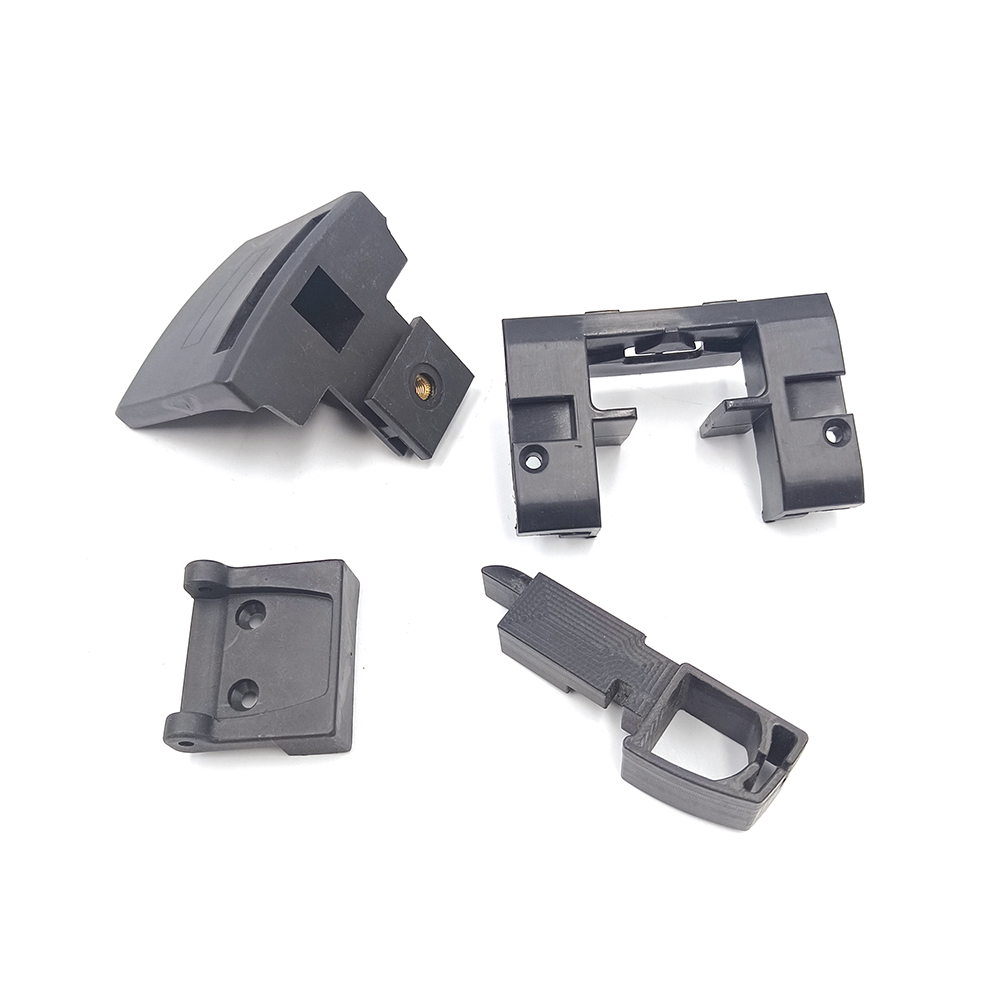
3. Final Inspection and File Application
Strict final checks perfect the process of how to make 3D printer files for reliable sampling results.
3.1 Verify File Compatibility
Preview sliced files to confirm complete path generation and reasonable support distribution. Eliminate missing layers and printing path errors that may affect prototype precision.
3.2 Match On-Site Printing Needs
Adjust files according to actual workshop conditions, including material types and printer accuracy. Qualified printer files support one-time successful printing, greatly improving the efficiency of mold and hardware rapid iteration.
In short, mastering how to make 3D printer files is an essential skill for modern manufacturing teams. Standard file production stabilizes sampling quality, cuts trial costs, and optimizes the rapid prototyping workflow for plastic mold and hardware processing industries.
How to Make Custom 3D Prints for Mold and Hardware Rapid Sampling
How to Learn About 3D Printing for Mold and Hardware Rapid Sampling
Related Article

Fast sampling is the fastest way to win business in the hardware machining and plastic mold industries. Customers want a working sample in days, and a 3D printer delivers it, but only when you know how to print in 3d correctly.
how to print in 3d

Fast sampling is the fastest way to win business in the hardware machining and plastic mold industries. Customers often send an STL file and expect a working sample in days.
how to print an stl file

