
How to CNC Machine: A Complete Guide
Author: SZTC
2025-05-30
CNC (Computer Numerical Control) machining is a highly precise and efficient manufacturing process that plays a crucial role in various industries. Whether you're a novice or looking to refine your skills, understanding the ins and outs of how to CNC machine is essential. This blog will walk you through the entire process, from preparation to the final product.
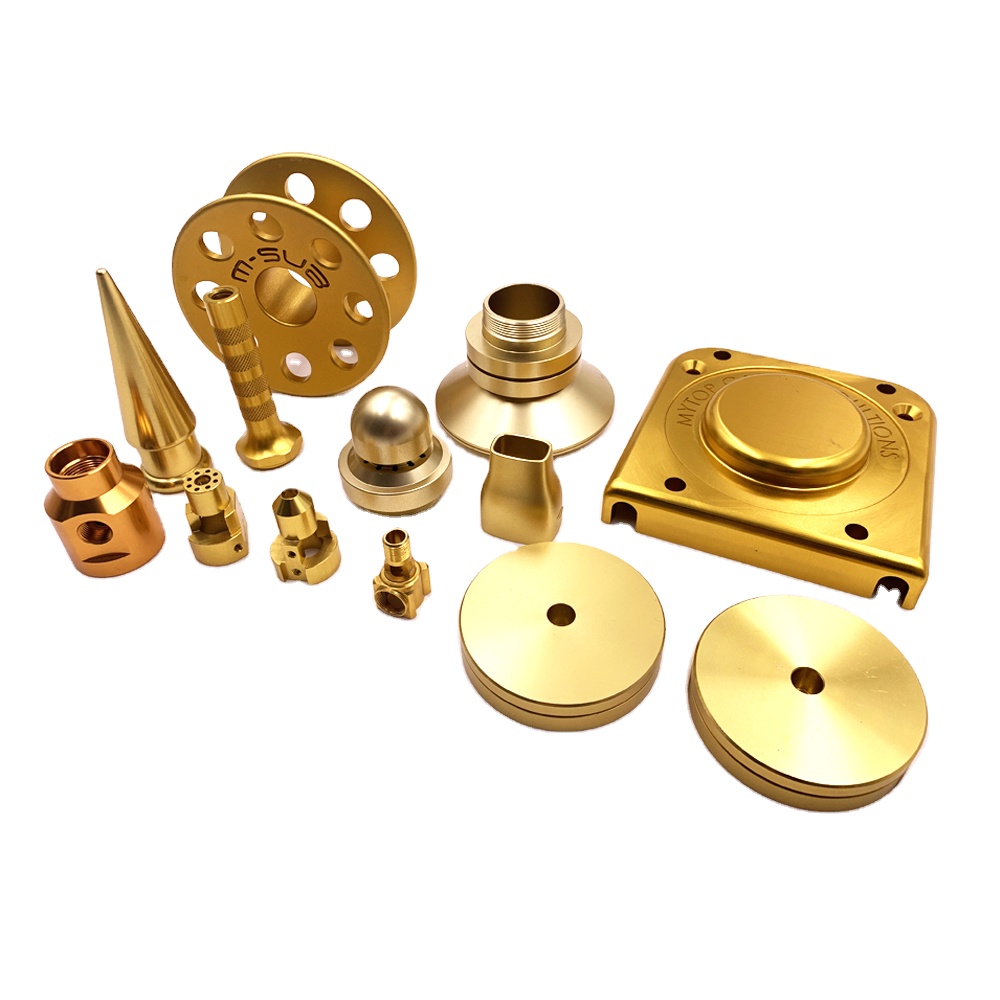
Design and Programming
The journey of CNC machining begins with a design. Utilize Computer - Aided Design (CAD) software to create a detailed 3D model of the part you intend to produce. This model serves as the blueprint for the machining process, with every dimension and feature precisely defined. Once the CAD design is complete, transfer it to Computer - Aided Manufacturing (CAM) software. Here, you'll generate the toolpaths, which are the routes that the cutting tools will follow. CAM software also allows you to set parameters such as cutting speed, feed rate, and depth of cut, tailored to the material and the specific requirements of the design. Validate the generated code thoroughly to avoid errors during machining.
Material Selection and Preparation
Choosing the right material is vital for the success of your CNC machining project. Consider factors like the part's intended use, mechanical properties required (such as strength, durability), and machining characteristics of the material. Common materials used in CNC machining include metals like aluminum, steel, and brass, as well as plastics and composites. Once selected, prepare the material by cutting it to an appropriate size and ensuring its surface is flat and clean. Secure the material firmly onto the machine's worktable using clamps, vises, or magnetic chucks to prevent movement during machining.
Tool Selection and Setup
Select cutting tools based on the material and the machining operations you plan to perform. Different tools, such as end mills, drills, and taps, are designed for specific tasks like milling, drilling holes, or creating threads. Inspect the tools for any signs of wear or damage before use. Mount the selected tools onto the machine's spindle, making sure they are properly aligned and tightened to the recommended torque. Enter the tool parameters, including diameter, length, and type, into the CNC machine's control system to ensure accurate toolpath calculations.
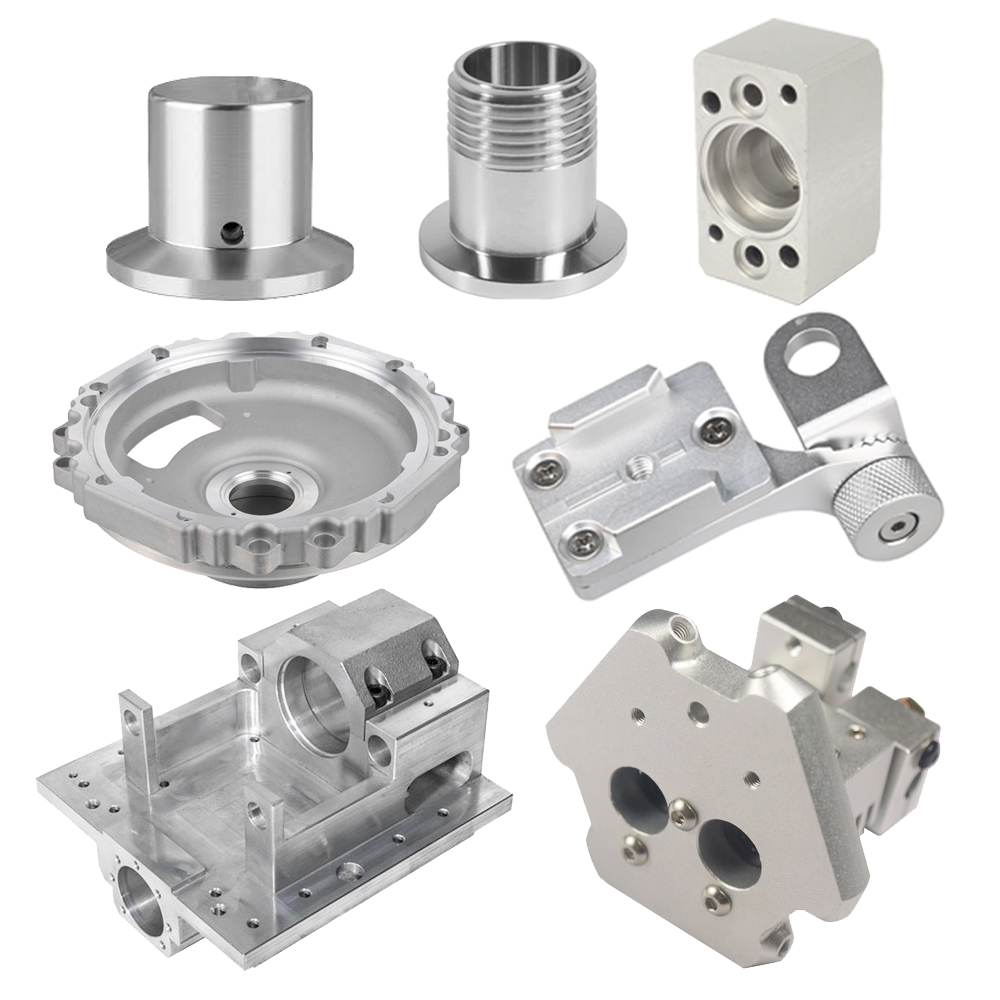
Machine Initialization and Calibration
Power on the CNC machine and allow it to complete its self - diagnostic routine. This step checks the functionality of critical components like motors, sensors, and the control system. After that, perform calibration to ensure the accuracy of the machine's axes. Use precision measuring tools to verify the alignment of the axes and make any necessary adjustments. Set the machine's origin, which is the reference point for all axis movements, based on the position of the workpiece on the worktable.
Program Loading and Simulation
Load the prepared CNC program into the machine's control unit. Before starting the actual machining, run the program in simulation mode if available. This allows you to visualize the toolpath and check for potential issues such as tool collisions with the workpiece or other machine components. It also gives you an opportunity to review the machining sequence and ensure that it aligns with your expectations. Make any necessary adjustments to the program during this stage.
Machining Execution
Once you're satisfied with the simulation, start the machining process. Monitor the machine closely during operation. Observe the cutting process, paying attention to factors like chip formation, cutting forces, and the quality of the surface finish. If you notice any abnormalities, such as excessive vibrations, unusual noises, or poor cutting performance, pause the operation immediately. Check for possible causes, which could range from incorrect tool settings to material defects, and make the appropriate adjustments. Continuously review and optimize the machining parameters as needed to achieve the best results.

Post - machining Operations
Workpiece Removal and Inspection
After the machining is complete, carefully remove the workpiece from the worktable. Use appropriate tools to release the clamps or other workholding devices, taking care not to damage the finished part. Inspect the workpiece thoroughly for dimensional accuracy, surface finish, and any signs of defects. Utilize measuring instruments like calipers, micrometers, and coordinate measuring machines (CMMs) to verify that the part meets the design specifications. If any discrepancies are found, determine whether rework is possible or if the part needs to be discarded.
Machine Maintenance and Cleanup
Clean the CNC machine thoroughly to remove chips, debris, and coolant residue. Use brushes, compressed air, or vacuum cleaners to clean hard - to - reach areas, such as the spindle, linear guides, and screw drives. Lubricate the moving parts according to the manufacturer's recommendations to ensure smooth operation and extend the machine's lifespan. Check the cutting tools for wear and replace them if necessary. Regular maintenance not only keeps the machine in good working condition but also helps maintain the accuracy and quality of future machining projects.
In conclusion, mastering the art of CNC machining requires a combination of technical knowledge, attention to detail, and hands - on experience. By following these steps and continuously honing your skills, you can produce high - quality parts with precision and efficiency in your CNC machining endeavors.
How to Program a CNC Machine: A Comprehensive Guide
How Much Does a CNC Machine Cost? Unveiling the Price Factors
Related Article

Fast sampling is the fastest way to win business in the hardware machining and plastic mold industries. Customers want a working sample in days, and a 3D printer delivers it, but only when you know how to print in 3d correctly.
how to print in 3d

Fast sampling is the fastest way to win business in the hardware machining and plastic mold industries. Customers often send an STL file and expect a working sample in days.
how to print an stl file

