
How to 3D Print: A Guide for Hardware & Plastic Mold Fast Sampling
Author: SZTC
2026-04-23


Samuel Song Your service representative
Specializing in zinc-aluminum-magnesium alloy die-casting processing, CNC milling, CNC turning, 3D printing, injection molding and sheet metal processing. Manufacturing services.
-----------------------------------------------------------------------------------------------------------------------------------------------------------------------------------------------------------------------------------------------------------------------------------------------------------------------------------------------
For professionals in hardware processing and plastic mold industries, fast sampling is critical to staying competitive, and 3D printing is the key. Many ask, how to 3D print industrial-grade prototypes efficiently? This step-by-step guide breaks down the process, tailored to your industry’s need for speed, precision, and functionality.
1. Prepare to 3D Print: Lay the Foundation for Fast Sampling
Before learning how to 3D print, proper preparation ensures error-free, fast results—essential for hardware and mold samples that meet industrial standards.
1.1 Create and Optimize the 3D Model
Use CAD software (SolidWorks, Fusion 360) to design your part—metal brackets for hardware, mold inserts for plastic molds. Export it in STL format, then optimize by adjusting wall thickness and removing overly complex structures to speed up printing.
1.2 Choose Materials and Printer Type
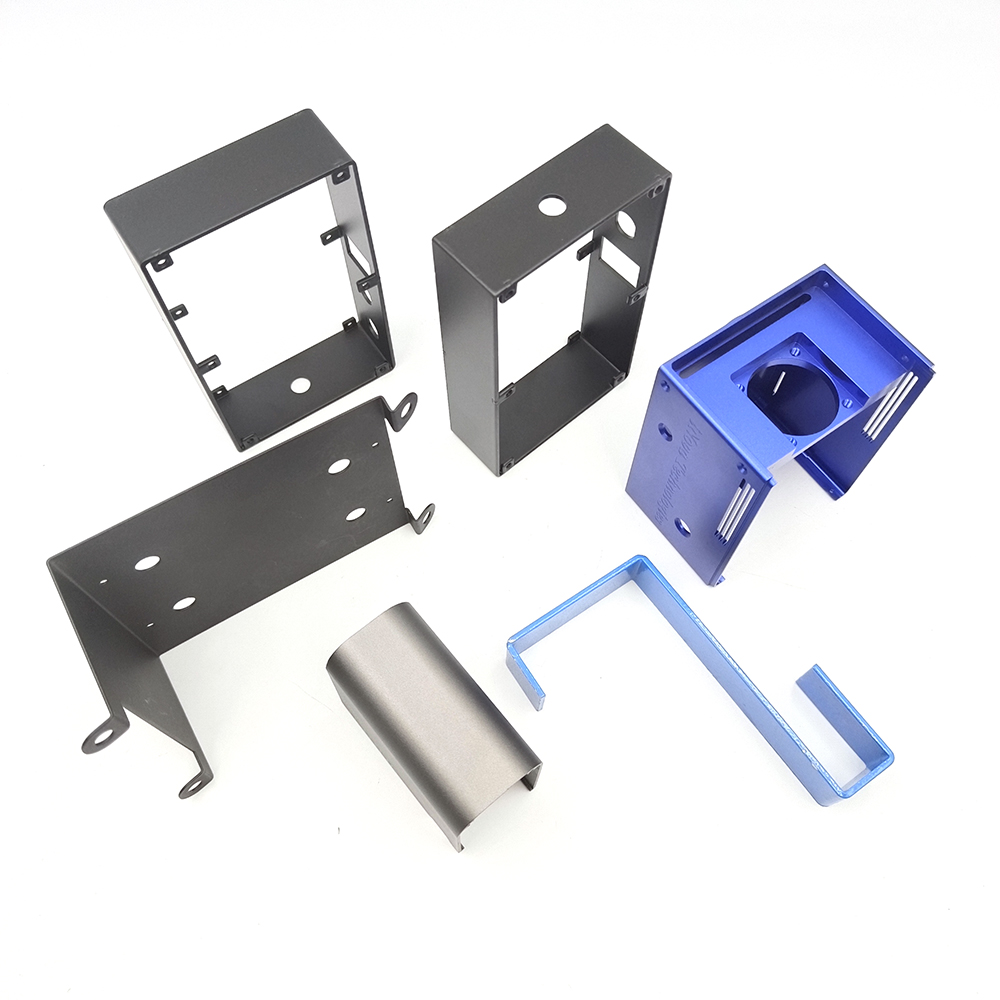
Select materials matching your needs: metal powder (17-4PH stainless steel) for hardware, high-temp resin for mold parts. Pick the right printer: SLM/DMLS for metal, SLA for resin molds, FDM for plastic tooling.
2. Step-by-Step: How to 3D Print Industrial Prototypes
Once prepared, follow these clear steps to 3D print, whether for hardware or plastic mold samples, ensuring quick turnaround and quality.
2.1 Set Up the 3D Printer
Calibrate the print bed to ensure flatness, load the selected material, and preheat the bed (if using FDM/SLM). Double-check settings to avoid misalignment, which saves time on reprints.
2.2 Slice the Model and Start Printing
Import the STL file into slicing software (Cura, GrabCAD Print), adjust layer height (0.03–0.2mm) and support structures, then send the file to the printer. Start printing and monitor the first few layers for accuracy.
2.3 Post-Process the Printed Part
After printing, remove supports. For hardware: heat-treat metal parts to enhance strength. For molds: sand and polish resin inserts to meet injection molding requirements. This step makes samples test-ready.

3. Industry-Specific Tips for How to 3D Print
Mastering how to 3D print means adapting the process to your industry’s unique fast sampling needs.
3.1 For Hardware Processing
Use SLM printers for metal prototypes; ensure laser calibration to avoid porosity. Prioritize heat treatment to meet 40–45HRC hardness standards for functional testing.
3.2 For Plastic Mold Industry
Use SLA printers for high-precision mold inserts; choose UV-curable, high-temp resins to withstand 50–100 injection cycles. Minimize supports to reduce post-processing time.
Final Note: Learning how to 3D print streamlines fast sampling for hardware and plastic mold industries. By following these steps and tips, you can turn digital designs into physical samples quickly, cutting lead times and costs.
How to Get Something 3D Printed: A Guide for Hardware & Plastic Mold Fast Sampling
How Does 3D Printing Work for Hardware & Plastic Mold Fast Sampling
Related Article

Fast sampling is the fastest way to win business in the hardware machining and plastic mold industries. Customers want a working sample in days, and a 3D printer delivers it, but only when you know how to print in 3d correctly.
how to print in 3d

Fast sampling is the fastest way to win business in the hardware machining and plastic mold industries. Customers often send an STL file and expect a working sample in days.
how to print an stl file

